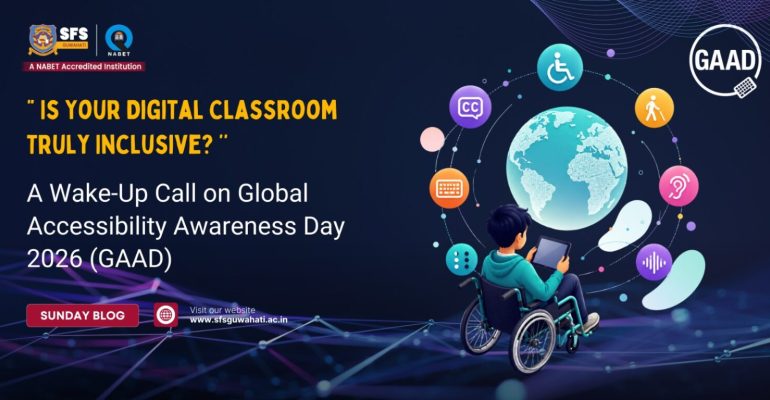
“ Is Your Digital Classroom Truly Inclusive? ’’ A Wake-Up Call on Global Accessibility Awareness Day 2026 (GAAD)
May 15, 2026 2026-06-02 9:57“ Is Your Digital Classroom Truly Inclusive? ’’ A Wake-Up Call on Global Accessibility Awareness Day 2026 (GAAD)
“ Is Your Digital Classroom Truly Inclusive? ’’ A Wake-Up Call on Global Accessibility Awareness Day 2026 (GAAD)
Imagine entering a classroom where everyone seems to understand the lesson except you. The teacher is explaining through a video, but you cannot hear it clearly. The presentation slides are visible to everyone else, but the font is too small for you to read. An online assignment has been uploaded, yet your screen reader cannot access the document. Slowly, frustration replaces confidence. Participation turns into silence.
Now imagine living this reality every single day.
This is exactly why the world observes Global Accessibility Awareness Day (GAAD) every year. Celebrated on Thursday, 21st May 2026, GAAD encourages people to talk, think, and learn about digital accessibility and inclusion for the more than one billion people worldwide living with disabilities and impairments.
In a time when education is becoming increasingly digital, one important question deserves honest reflection:
Are our schools truly accessible for everyone?
We all need to understand that education is centred not only on academic excellence but also on values, empathy, and inclusivity. As education increasingly moves into digital spaces, it becomes important for schools, educators, and students to understand the importance of accessible learning environments. Global Accessibility Awareness Day reminds us that true education is meaningful only when every learner feels included.
What is Digital Accessibility?
Digital accessibility refers to designing websites, applications, online resources, and digital learning materials in ways that everyone can use comfortably and effectively. Accessibility ensures that students with visual, hearing, motor, cognitive, or learning disabilities are not excluded from digital education.
Simple accessibility features can make a huge difference
- Captions and subtitles in educational videos
- Screen-reader-friendly websites
- Readable fonts and proper colour contrast
- Voice-assisted tools and audio support
- Keyboard navigation for students with mobility challenges
- Clear layouts and simplified instructions
- Use easy-to-read fonts in projects and presentations
- Add captions while creating videos
- Share organised and accessible notes
- Speak slowly and clearly during online interactions
- Support classmates facing learning difficulties
- Encourage equal participation during group work